Scan once. Categorize automatically.
Stop typing receipts into a spreadsheet. Vomoi reads merchant, date, amount, and category from a photo, then files the expense where it belongs.
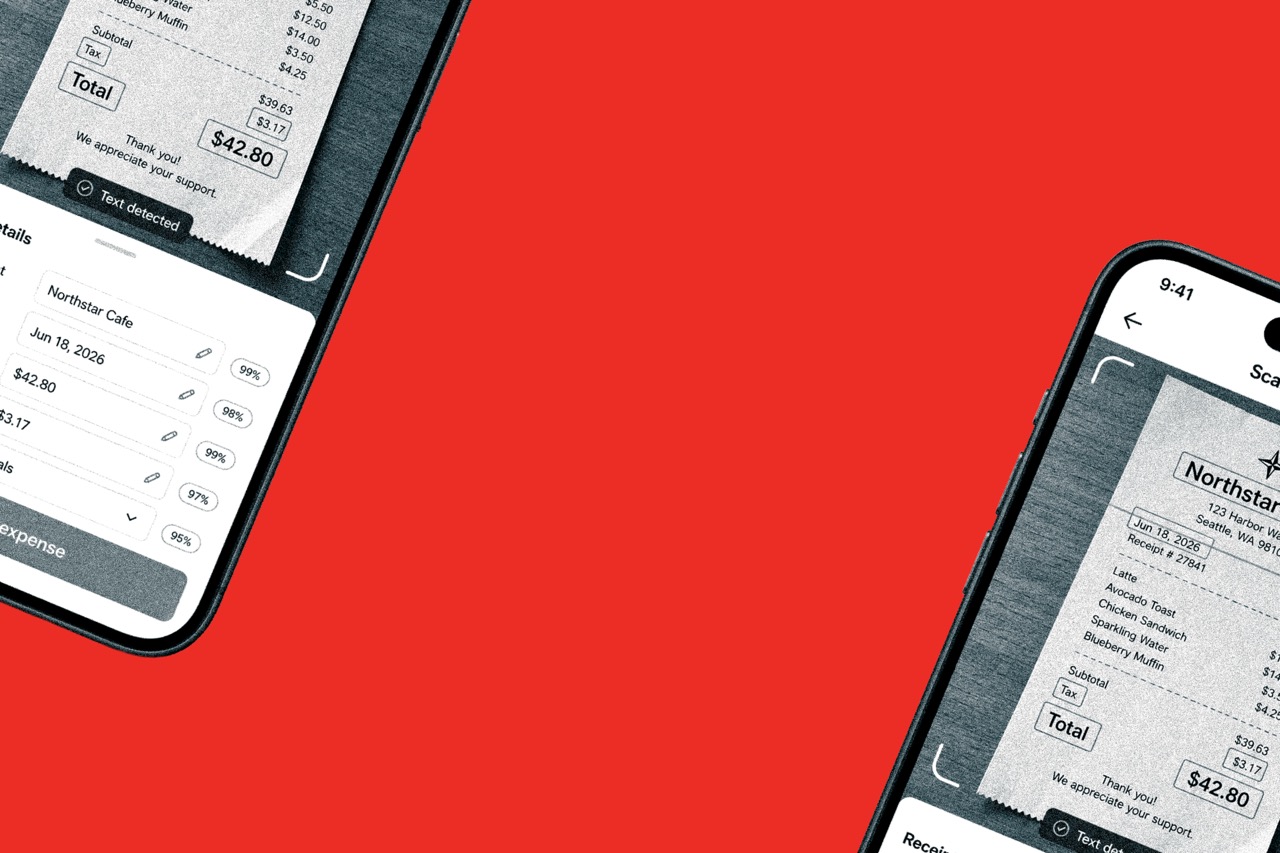
Scan, sort, alert, and report without rebuilding a spreadsheet.

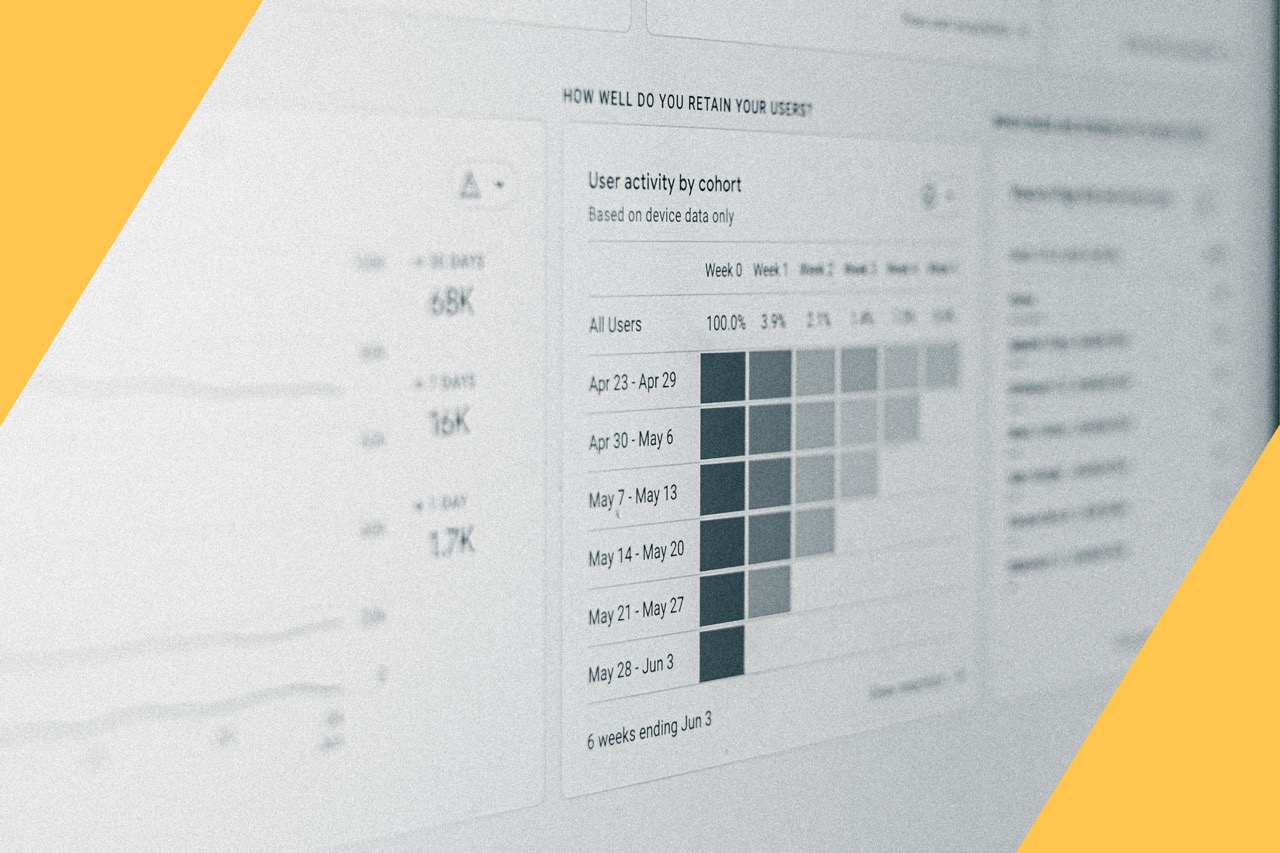
Live spend view
See where money is going as expenses come in, not at month-end.

Auto-categorize
Expenses sort themselves based on your spending patterns.

Receipt capture
Use your phone camera. Vomoi pulls merchant, date, amount, and category.

Budget alerts
Get notified as spend approaches the limits you set.

Expense reports
Generate reports for tax filing, client billing, or internal review.

Team accounts
Role-based permissions, spending limits, and approvals as you grow.
Built to replace the spreadsheet
Reads merchant, date, amount, and category from a photo.
2
3
4
5
6
7
8
9
10
11
12
13
14
15
16

Practical articles on deductions, receipts, and reports.
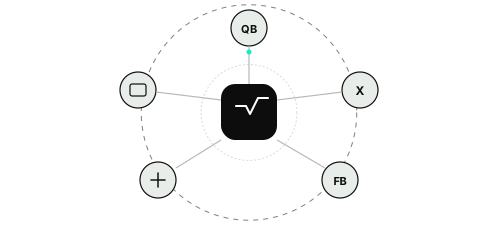
Connect QuickBooks, Xero, and FreshBooks.
Expenses sorted from your spending patterns.
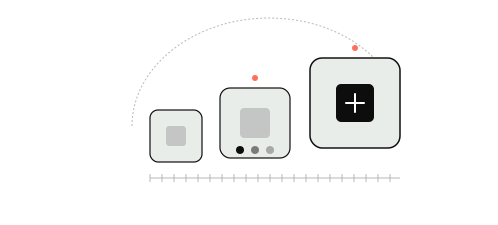
Roles, limits, and approvals as you grow.
Built for day-to-day expense work.
Vomoi is built to make capture, categorization, and reporting fast enough that it sticks as a habit.
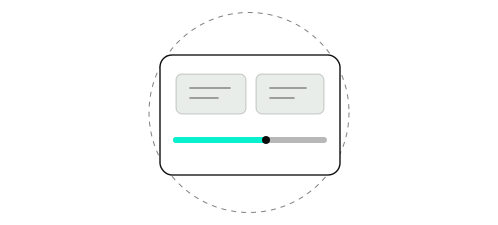
Visibility without extra admin.
Managers can set spending limits, approve expenses, and see activity across people and departments from one account.
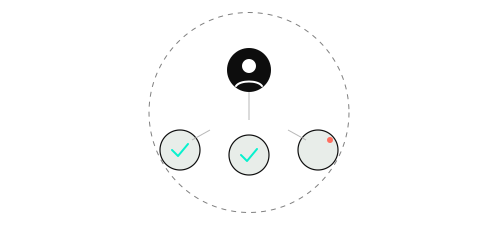
Connect QuickBooks, Xero, and FreshBooks so expense data lands in the books you already close.

Frequently Asked Questions
Vomoi captures receipts with your camera, extracts merchant, date, amount, and category, then keeps a live view of spend. You still get exportable reports, without rebuilding the same workbook every month.
Take a photo. Vomoi pulls merchant, date, amount, and category so you can review instead of retyping.
Set thresholds for a category, project, or team. Vomoi notifies you as spend approaches or crosses the limit, so you can correct course before month-end.
Yes. Vomoi syncs with QuickBooks, Xero, and FreshBooks so expense data flows into the system you already close the books in.
Start tracking today
Ready to replace the spreadsheet? Start a free trial or book a demo and see receipt scanning in action.